
1.6. Verifactu
Our electronic invoicing function complies with the Spanish VeriFactu law
You can choose to issue invoices within the VeriFactu system or outside of it
To issue invoices in compliance with this regulation, follow the steps below.
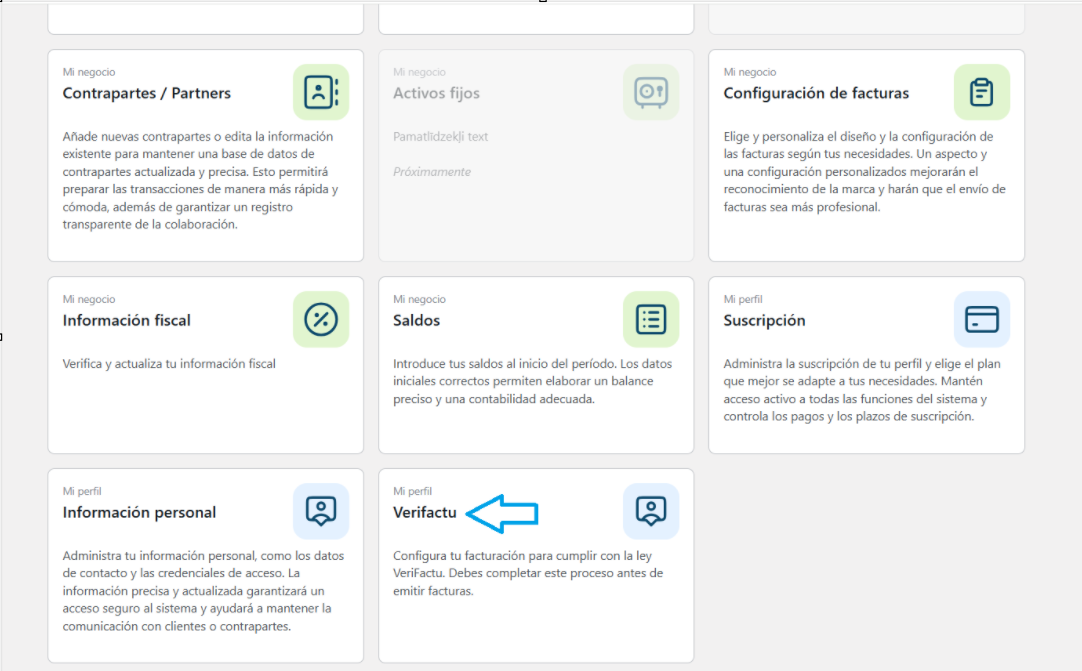
First, you must register in the VeriFactu system. To do this, in your profile you must access the Verifactu section and there:
1. Enter your data.
2. Generate and download the PDF file. Then, sign it with your electronic signature.
3. Upload the signed document back to the system.
Different programs can be used to sign the PDF. Adobe Acrobat Reader is an ideal option, as it is installed on practically all computers. The free version is sufficient.
It is necessary to open the downloaded PDF, scroll to the bottom of the document, and click on the signature area (Grantor).
Important: the electronic signature certificate must be installed on your device.
To learn more about what VeriFactu is, head to our article on the blog where we explain it in more detail.